
Distributed Order Management: How to Route Orders Without Manual Stock Checks

Anatoliy Dankov
CTO
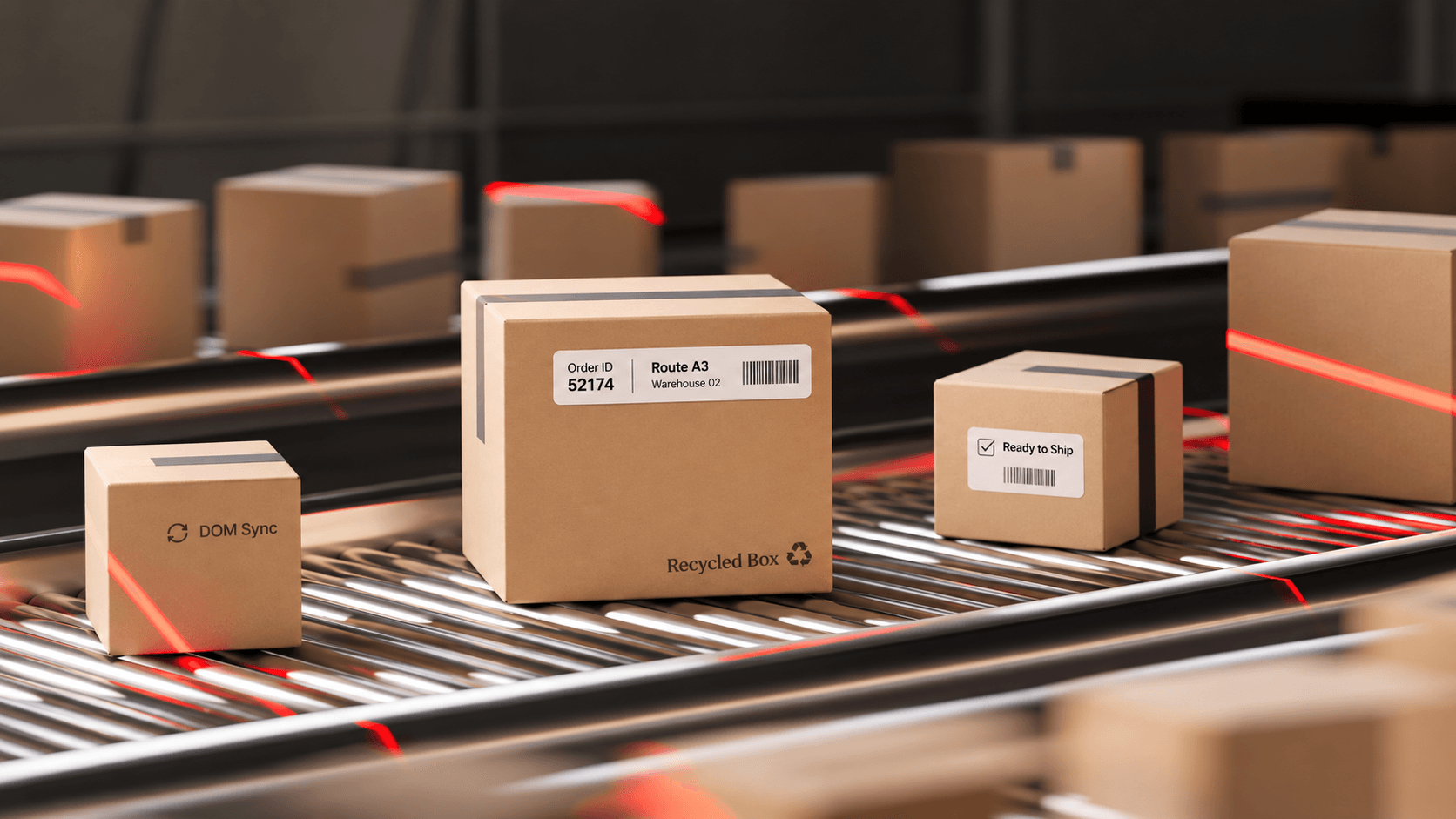
An order arrives with two items, and no one knows which warehouse can ship both on time. Your team checks stock across several systems before choosing a location, and in the meantime another order may claim the same inventory.
Distributed order management (DOM) automates this decision. It uses inventory availability, delivery requirements and routing rules to assign each order to a location that can fulfil it. In an order management system such as HootCore OMS, the operations team sets those rules once.
This guide explains how to prepare inventory data, set routing rules, reserve stock and handle exceptions, allowing routine orders to move forward without manual stock checks.
What Is a Distributed Order Management System?
A distributed order management (DOM) system is software that determines which location should fulfil each order. It checks available stock across warehouses, stores and third-party logistics (3PL) partners, then applies routing rules to select a location that can meet delivery requirements while accounting for fulfilment cost and other business priorities.
The system considers the whole fulfilment network. A retailer with a central warehouse, a regional distribution centre and dozens of stores may have several possible starting points for an order, and DOM evaluates the eligible ones using inventory availability and fulfilment rules.
When routing is handled manually, an operator may check the ERP and a warehouse spreadsheet, then call a store to confirm the second item. Each new order adds to that workload, and stock availability can change before the decision is made.
For the operations team, automated routing shows up in daily work. Fewer orders wait for someone to check stock manually, fewer are cancelled because the units weren't there, and customers receive fewer parcels for a single order.
How Is DOM Different From OMS, WMS and ERP?
DOM can be built into an OMS rather than purchased as a separate system, and it works alongside other systems that each handle their own part of the order flow.
System | Main Job | Role in Order Routing |
|---|---|---|
OMS | Manages the order lifecycle, including status updates, returns and cancellations | Holds the order and its status |
DOM | Determines where an order should be fulfilled and whether it should be split | Selects the location and reserves stock |
WMS | Manages warehouse operations, including picking, packing and shipping | Fulfils the order once it arrives |
ERP | Supports inventory accounting, purchasing, sales and financial processes | Receives the completed order for accounting |
The exact division of responsibilities depends on the products and how they are connected.
This distinction matters when comparing software. A system that displays stock levels from several warehouses does not necessarily route orders. Automated routing also requires rules, reliable reservations, and a process for handling exceptions, and the following sections explain how these elements work together.
How to Determine Inventory Availability for Automated Order Routing
To route orders automatically, a DOM system needs a figure for each location that shows how many units it can commit to a new order right now. Getting that figure takes three steps:
- Calculate available stock. For each location, take the sellable stock on hand and subtract existing reservations and safety stock.
- Set an age limit for stock data. A store that updates once a day and a warehouse that updates after every transaction give the system figures from different points in time. When a location's data is older than the agreed limit, the system excludes it from routing or applies a larger buffer to its stock.
- Use the same identifiers and units everywhere. The WMS, store POS, 3PL portal, and sales channels should use the same product identifiers and location codes. When one system counts packs and another counts single items, the routing logic compares numbers that don't mean the same thing. We cover keeping these figures aligned in our guide to inventory sync across channels.
What Is the Difference Between Stock on Hand and Available Stock?
Stock on hand is the number of units physically present at a location. Available stock is the part of that quantity the system can promise to a new order without affecting earlier commitments.
The difference is easy to see on a single item. A warehouse reports 10 units, but three are reserved for confirmed orders, two are held as safety stock, and one is damaged, leaving four units for the next order.
How a system applies this calculation depends on its data. Some platforms already exclude reserved units from the on-hand figure, and subtracting reservations again would make the location look emptier than it is.
How Distributed Order Management Selects a Fulfilment Location
Once stock figures are reliable, the system can take every new order through the same sequence of checks. It doesn't matter whether the order comes from the website, a marketplace or a store terminal.
- The system receives the order with its items, delivery address and delivery method.
- It checks which locations hold available stock for those items.
- It removes the locations that can't meet the order's conditions.
- It compares the remaining locations against the retailer's priorities.
- It reserves stock at the selected location and sends the order for fulfilment.
The most important distinction sits between steps 3 and 4. Step 3 filters out locations that can't fulfil the order at all, and step 4 chooses the best option among those that can.
Which Conditions Must a Location Meet Before It Can Fulfil an Order?
A condition is a requirement that a location either meets or fails. A location that fails even one drops out of the list, however close or cheap it is.
Most retailers start with these conditions:
- Does the location hold available stock for the items, or for its part of the order if splitting is allowed?
- Can it ship within the delivery promise shown at checkout, including the same-day cut-off?
- Does it support the delivery method the customer chose, such as click and collect or courier delivery?
- Is it allowed to ship this product to this region, for example oversized or regulated items?
- Are its stock figures recent enough to trust?
Capacity can work as a condition as well. A store that has reached its daily limit for online orders drops out of routing until the next day, even with stock on the shelf.
Let's go back to the order for items A and B. The third warehouse holds both items but has already missed today's cut-off, and it fails the delivery-promise condition. The nearest warehouse and the second warehouse stay on the list.
After filtering, the nearest warehouse could still ship item A today, but item B would need a second parcel from elsewhere, and the second warehouse can ship both together. Which option wins depends on the priorities the retailer sets, and the next section explains how to set them.
How to Set Order Routing Rules for Multi-Location Fulfilment
Routing rules tell the system what to prefer when several locations can fulfil the same order. They work after the conditions from the previous step, which only decide whether a location stays on the list.
Most retailers balance the same set of priorities. What differs is which one comes first and when that order changes.
Priority | What the System Prefers | Trade-off |
|---|---|---|
Delivery speed | The location that gets the order to the customer earliest | Faster shipping often costs more |
Fulfilment cost | The lowest combined picking, packing and shipping cost | The cheapest location may be further away |
Number of parcels | Shipping the whole order from one location | The order may ship from a more distant location |
Location workload | Spreading orders across locations with free capacity | The nearest location may be skipped |
Stock balance | Locations with excess or slow-moving stock | Delivery distance may increase |
How Should Delivery Time, Cost and Split Shipments Be Prioritised?
Start with the delivery promise, because the customer has already seen it at checkout. Locations that can't meet it were removed in the previous step, and the real choice is usually between lower cost and fewer parcels.
Retailers set this choice in one of two ways:
- A fixed order of priorities, for example on-time delivery first, then the fewest parcels, then the lowest cost.
- A weighted score, where each priority counts for a set share of the decision. It gives more control but is harder for the operations team to follow.
Let's go back to the order for items A and B. If the rule is on-time delivery in one parcel, the system selects the second warehouse because it holds both items and can still meet the cut-off.
Allowing a split adds another option. The nearest warehouse could ship item A today and the second warehouse could ship item B, but two parcels cost more, and the system should choose them only if they bring a clear benefit, such as earlier delivery.
When two options score the same, a tie-breaker settles the choice. A common one is to send the order to the location with more free capacity.
Whatever the rules are, write them clearly enough to test on a real order and review them when conditions change, for example before peak season or after a change in carrier rates.
How to Reserve Inventory and Handle Order Routing Exceptions
Choosing a location doesn't finish the job. Between the routing decision and the moment the parcel leaves, another order can claim the same units, and the system has to protect the stock it has just allocated.
A reservation does this. As soon as the system selects a location, it holds the required units there, and other orders no longer see them as available.
Reservations also need to be released at the right moment. If an order is cancelled or moved to another location, the units it held must return to available stock. Otherwise the location looks emptier than it is and starts losing orders it could fulfil.
What Happens When the Selected Location Cannot Fulfil the Order?
Even with good data, some orders fail after routing. Let's go back to the order for items A and B: the second warehouse accepts it, but during picking the team finds that the last unit of item B is damaged.
In this case, the system corrects the stock figure for item B at the second warehouse and releases the reservation there. It then routes the order again with the updated data, and with splitting allowed it may ship item A from the nearest warehouse and item B from another location.
Most exceptions fall into a few common cases:
What Went Wrong | What the System Does | When a Person Steps In |
|---|---|---|
Item not found during picking | Corrects the stock figure and routes the order again | After the agreed number of reroutes |
Location rejects the order or doesn't confirm it in time | Releases the reservation and tries the next location | When no other location qualifies |
Stock data is out of date or the integration is down | Excludes the location from routing | When the outage lasts longer than the agreed limit |
No location meets the conditions | Moves the order to an exception queue | Straight away |
A limit on reroutes keeps an order from moving between locations indefinitely. Many retailers allow one or two attempts before the order goes to the operations team.
The customer also needs to hear about changes. When rerouting moves the delivery date or splits the order into two parcels, a notification at that point prevents a support call later.
How to Implement a Distributed Order Management Platform
Most retailers don't need to replace their ERP to start routing orders automatically. A distributed order management platform sits between checkout and the ERP, takes the routing decision, and passes the order on with the location already assigned.
The move away from manual stock checks works best in stages, with each step building on the one before:
- Map the current order path. Write down how an order moves today, who checks stock, and at which point someone makes a decision manually.
- Align the data. Product identifiers, location codes and order statuses should mean the same thing in every system that feeds the platform.
- Agree on stock sources. For each location, decide which system supplies the stock figure, how reservations are recorded, and how often the data updates.
- Turn operator habits into rules. The decisions your team makes every day are the first version of your routing rules. A simple starting policy is to exclude locations that fail the conditions, prefer a single parcel, compare the rest by cost, and allow a split only when no single location qualifies.
- Test on past orders. Run a sample of recent orders through the rules and compare the result with what your team actually did.
- Start with a pilot. Route orders automatically for a limited set of locations or one sales channel, and keep the rest on the current process.
- Expand step by step. Add locations and channels once the pilot results hold up.
How Do You Measure Whether Automated Order Routing Works?
Measurement starts before launch. Record the current figures for a few weeks; otherwise, there is nothing to compare the pilot against.
These metrics show whether routing is doing its job:
- What share of orders goes through without manual intervention?
- How long does it take from order placement to location assignment?
- How many orders are cancelled because the stock wasn't there?
- What share of orders ships in more than one parcel?
- How many orders leave on time?
- How has the fulfilment cost per order changed?
There is no universal target for any of these. A retailer with large, bulky items will accept more split shipments than a fashion retailer, and the right benchmark is your own baseline.
Watch the metrics together rather than one at a time. If manual work drops but split shipments rise sharply, the rules may be favouring speed over cost more than the business intends.
How to Evaluate Distributed Order Management Software for Your Workflow
A vendor demo usually shows a clean order moving through a clean process. Real orders are less tidy, and the most useful demo is one built around them.
Before the call, pick a few real orders from the past month: a routine one, one that needed a split, and one your team had to reroute manually. Ask the vendor to run them through the system and explain each decision.
What Should You Ask a Vendor to Demonstrate?
These questions show how the software behaves outside a prepared script:
- Can the operations team change a routing rule without help from developers?
- Can the system show why it chose a particular location for an order?
- Can a new rule be tested on past orders before it goes live?
- What happens to the reservation when the selected location rejects the order?
- Where do orders with no qualifying location end up, and who sees them?
- How does the system connect to the ERP, warehouse systems, and store POS, and how does it handle data that arrives late?
These answers matter more than the length of the feature list. A system that explains its decisions and lets the team adjust the rules keeps working as the fulfilment network changes.
In HootCore OMS, order orchestration splits a cart across warehouses and assigns a delivery method to each part, and the order tunnel lets the team review and edit an order between checkout and the ERP. Routing logic is configured in the no-code Rule Engine.


Getting Started With Distributed Order Management
Start with a sample of last month's orders that needed a manual stock check. In a demo, we'll run them through HootCore OMS and show which data and rules would let the system route them automatically.
Frequently Asked Questions
No. A CRM manages relationships with customers, such as contacts, communication history and sales opportunities. An OMS manages orders, from checkout to fulfilment, delivery and returns.
DOM becomes useful as soon as a retailer fulfils orders from more than one location, such as a warehouse and several stores. The more locations and sales channels a business has, the more time it saves on manual stock checks.
DOM routes orders based on available stock rather than physical counts and reserves units as soon as it selects a location. Overselling drops further when stock figures stay aligned across channels, which we cover in our guide to inventory sync across channels.

Ready to Take Control of Your eCommerce Operations?
Talk to our team and see how HootCore fits into your existing stack, from product data management to order fulfillment.